← Back to Motivate Apps

ANDROID

The best of our Android apps.

Six widgets and tools worth putting on your Home Screen — scroll through each one and see exactly what you're getting before you tap install.

Sticky Notes: Notes Widget icon

Sticky Notes: Notes Widget

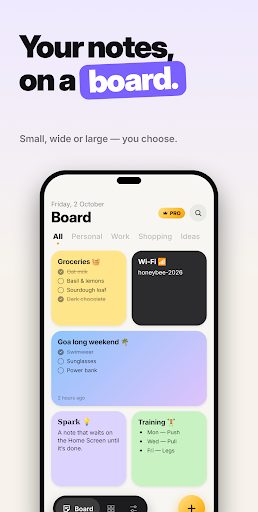
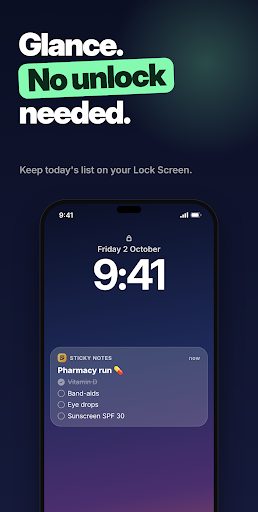
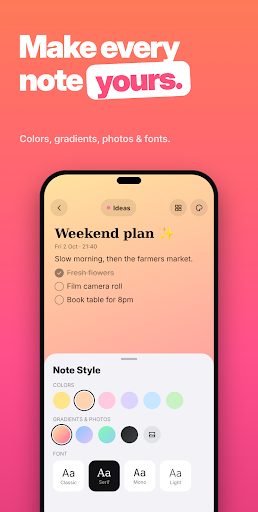
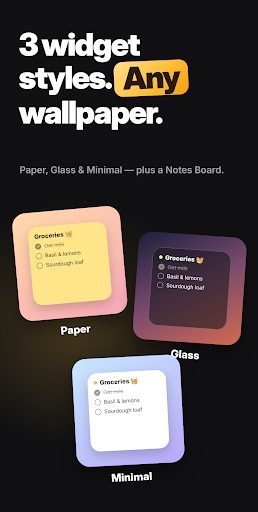
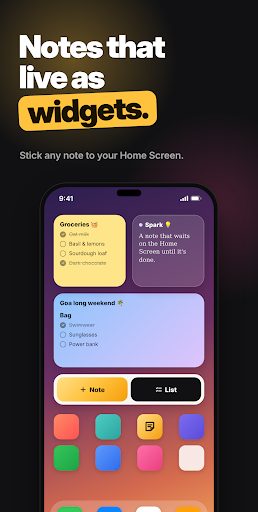
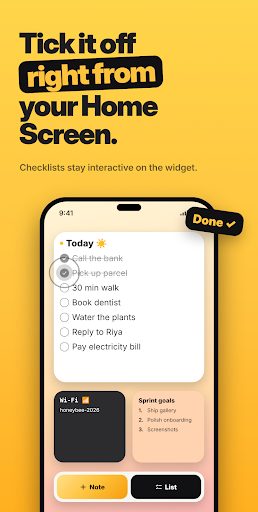
Notes that live as widgets. Sticky Notes turns every note into a tile you can stick right on your Home Screen. Jot it down, pin it as a widget, and tick it off without even opening the app.
Sticky Notes: Notes Widget screenshotSticky Notes: Notes Widget screenshotSticky Notes: Notes Widget screenshotSticky Notes: Notes Widget screenshotSticky Notes: Notes Widget screenshotSticky Notes: Notes Widget screenshot
Get it on Google Play
Daily Facts: Learn & Quiz icon

Daily Facts: Learn & Quiz

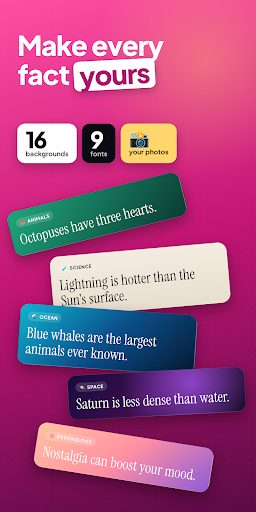
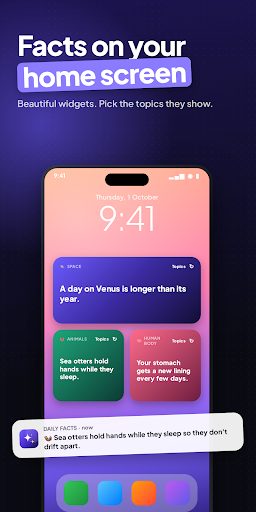
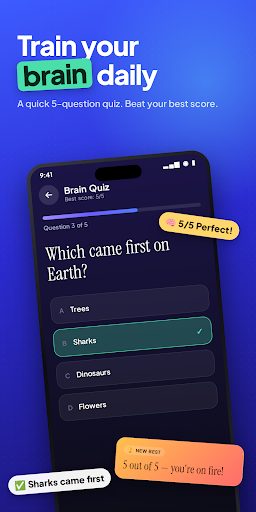
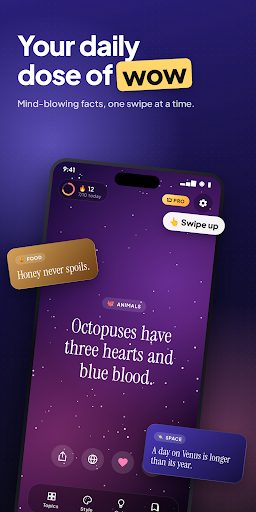
The world is stranger than you think. Did you know octopuses have three hearts? That a day on Venus is longer than its year? Daily Facts turns spare moments into “wait, really?!” moments — one beautiful, swipeable fact at a time.
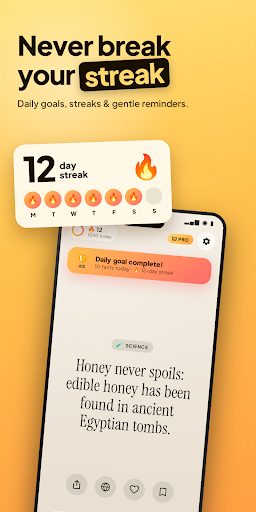
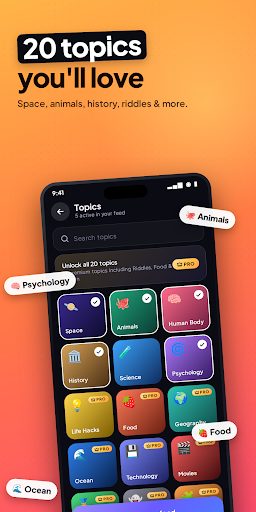
Daily Facts: Learn & Quiz screenshotDaily Facts: Learn & Quiz screenshotDaily Facts: Learn & Quiz screenshotDaily Facts: Learn & Quiz screenshotDaily Facts: Learn & Quiz screenshotDaily Facts: Learn & Quiz screenshot
Get it on Google Play
Calculator Widget: Home Screen icon

Calculator Widget: Home Screen

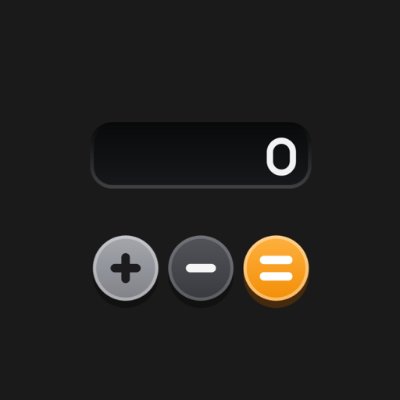
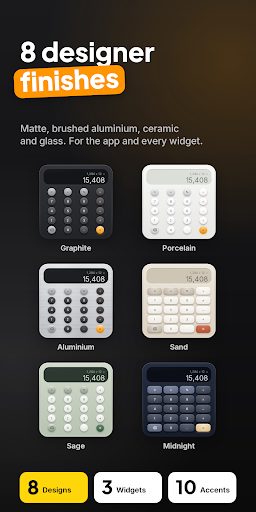
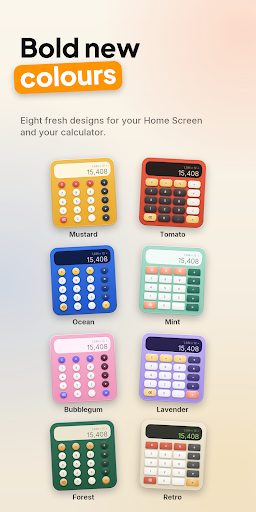
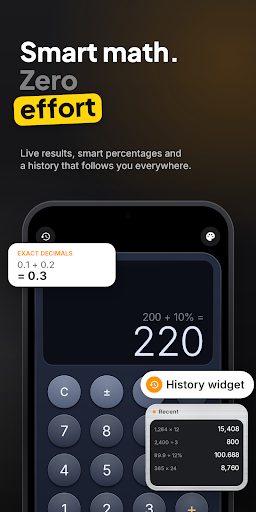
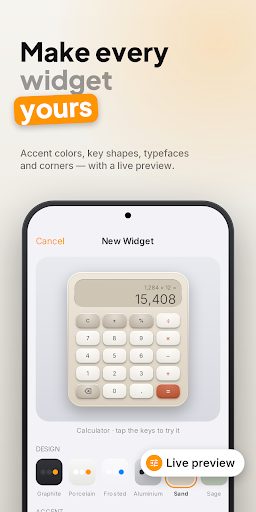
A calculator you'll actually enjoy using, right on your Home Screen. Its keys look and feel like a real calculator: they press down, the display sits recessed in a machined body, and your answer appears as you type.
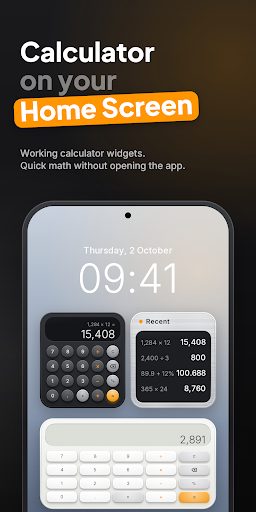
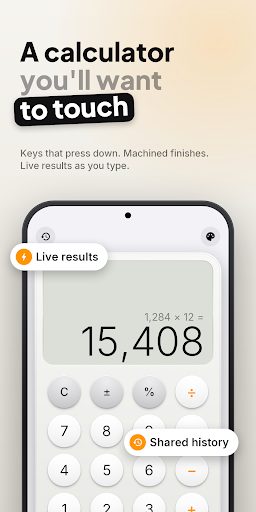
Calculator Widget: Home Screen screenshotCalculator Widget: Home Screen screenshotCalculator Widget: Home Screen screenshotCalculator Widget: Home Screen screenshotCalculator Widget: Home Screen screenshotCalculator Widget: Home Screen screenshot
Get it on Google Play
Torch: Flashlight Widgets icon

Torch: Flashlight Widgets

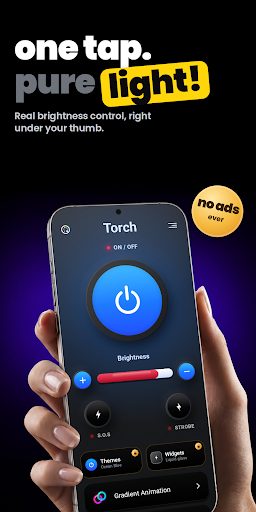
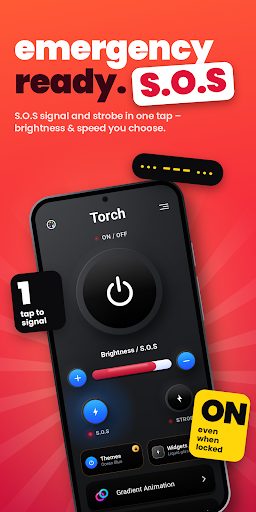
Torch is the flashlight your phone deserves — beautifully designed, instant, and genuinely useful when it matters. One tap turns on your flashlight. Slide or tap +/− to set the brightness, just like on iPhone.
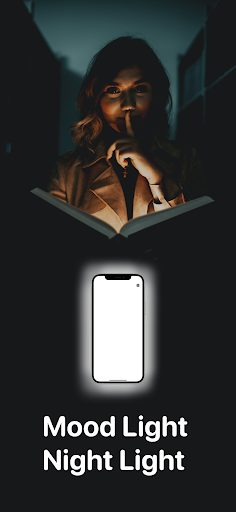
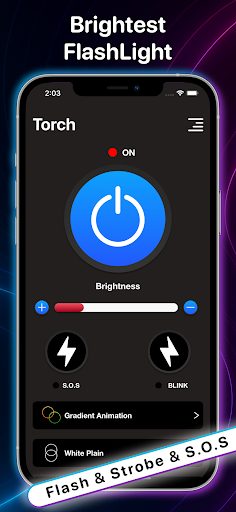
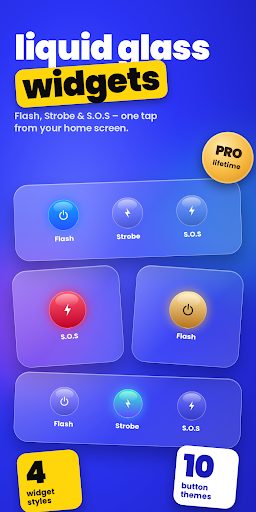
Torch: Flashlight Widgets screenshotTorch: Flashlight Widgets screenshotTorch: Flashlight Widgets screenshotTorch: Flashlight Widgets screenshotTorch: Flashlight Widgets screenshotTorch: Flashlight Widgets screenshot
Get it on Google Play
Flip Clock – Focus Clock icon

Flip Clock – Focus Clock

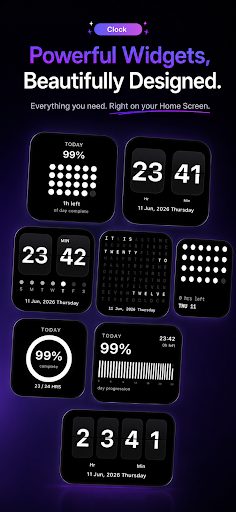
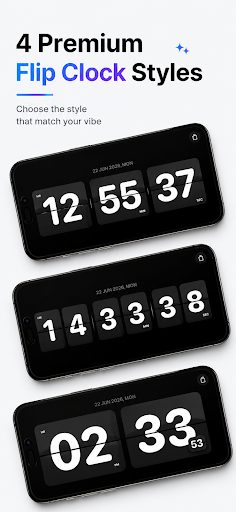
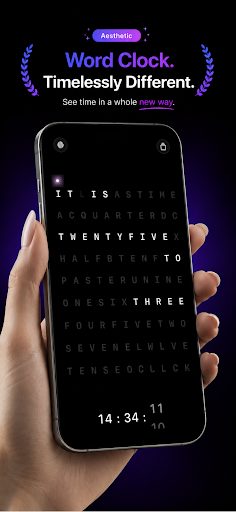
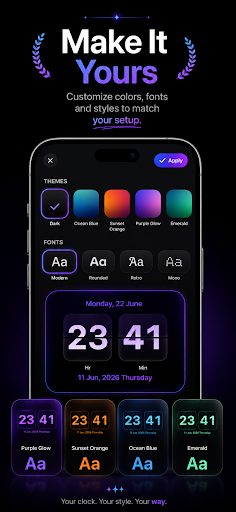
Flip Clock brings the timeless charm of classic flip clocks into a modern, distraction-free digital experience. Designed for focus, productivity and clarity, it turns your phone into a beautiful desk or wall clock.
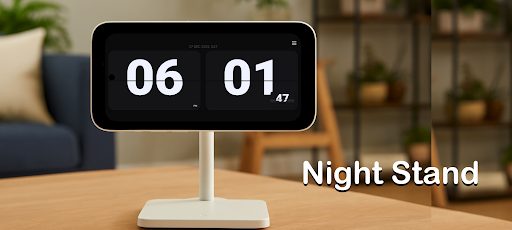
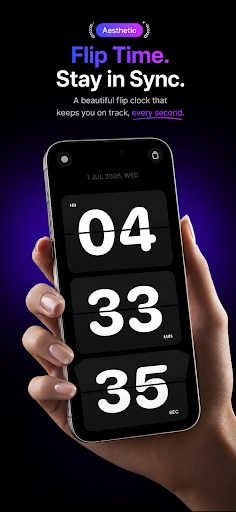
Flip Clock – Focus Clock screenshotFlip Clock – Focus Clock screenshotFlip Clock – Focus Clock screenshotFlip Clock – Focus Clock screenshotFlip Clock – Focus Clock screenshotFlip Clock – Focus Clock screenshot
Get it on Google Play
Glass Widget: AOD icon

Glass Widget: AOD

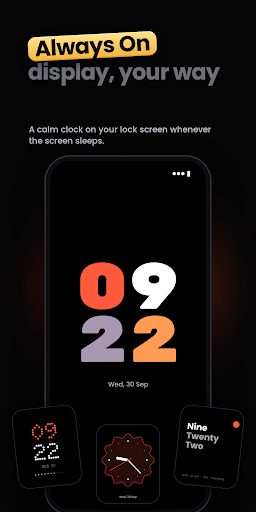
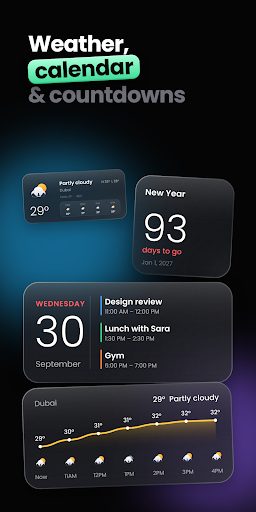
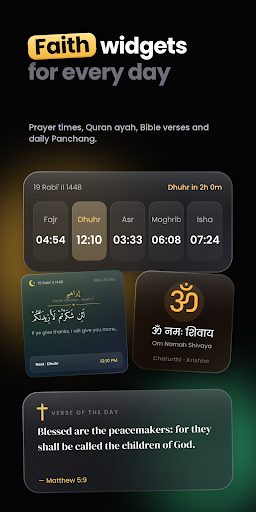
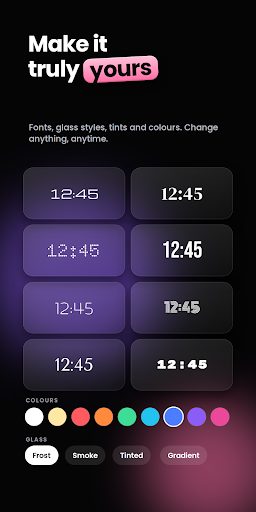
Turn your home screen into liquid glass. Glass Widget brings 70+ premium glass widgets to Android: live clocks that tick every second, weather, calendar, countdowns, faith widgets and a beautiful Always On Display.
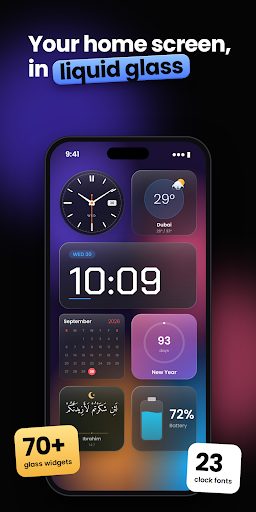
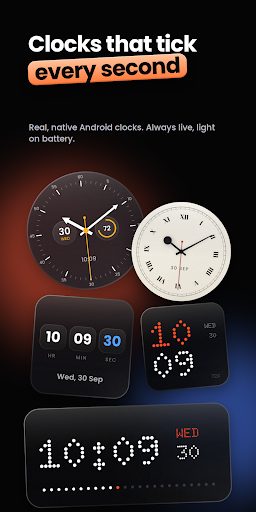
Glass Widget: AOD screenshotGlass Widget: AOD screenshotGlass Widget: AOD screenshotGlass Widget: AOD screenshotGlass Widget: AOD screenshotGlass Widget: AOD screenshot
Get it on Google Play